Ultimate Developer’s Guide to REST APIs: Methods, Security & Best Practices
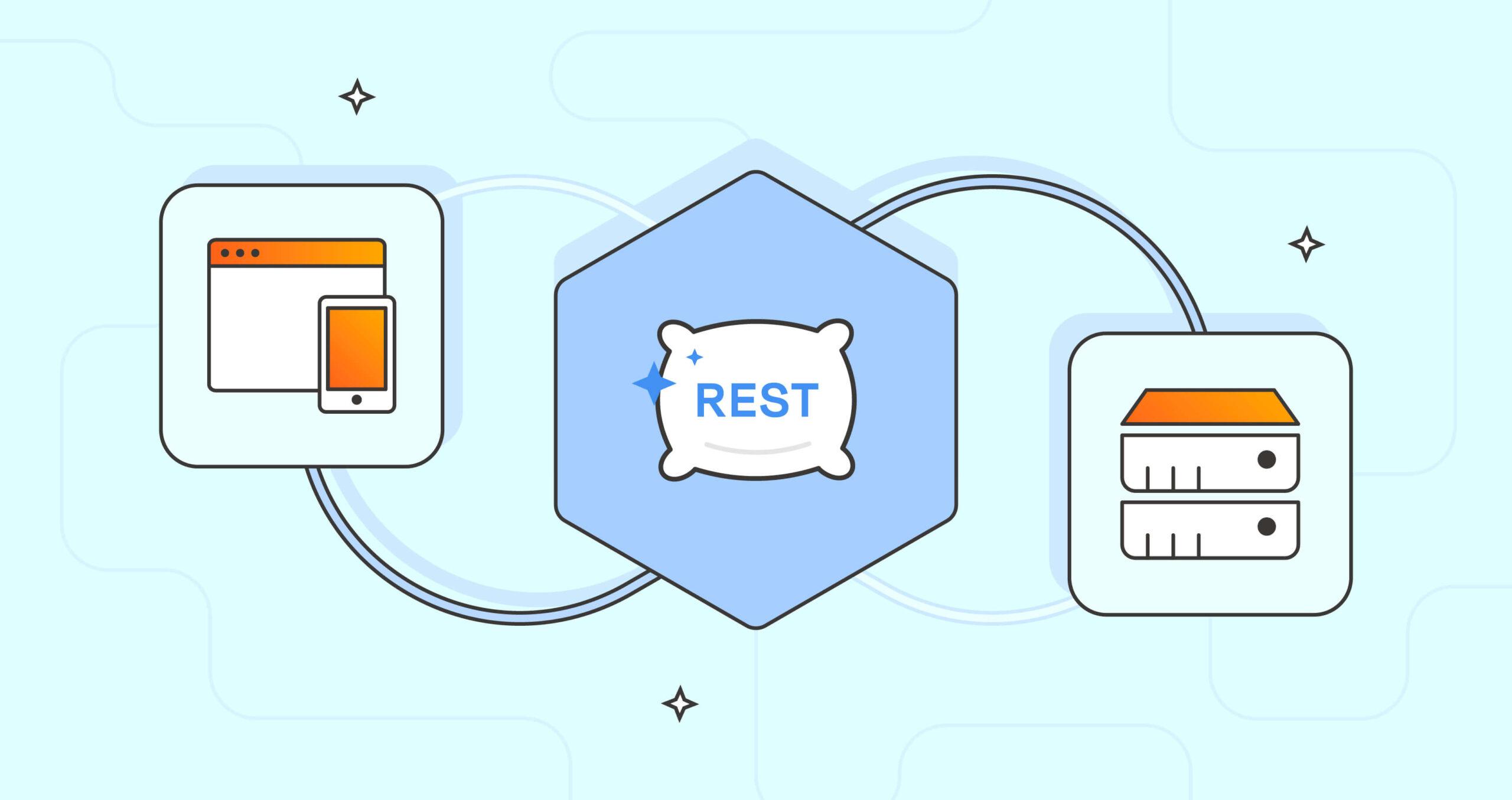
Learn REST API best practices, HTTP methods, status codes, authentication, and see real-world examples in this ultimate guide for developers.
If you’re building a modern web or mobile application, chances are you’re using or building REST APIs. This guide covers every essential methods, headers, endpoint design, advanced security, plus actionable FAQs and best practices-so you can confidently engineer robust APIs or ace your next technical interview.
What is REST?
REST (Representational State Transfer) is an architectural style for designing scalable web services.
- Stateless: Every request contains all required info; the server stores no session state.
- Resource-based: Each element (user, post, order) is a “resource” accessed via unique URIs (e.g.,
/api/users/42).
HTTP Methods & CRUD Mapping
| Method | CRUD Action | What it Does | Example |
|---|---|---|---|
| GET | Read | Retrieves a resource | /users/42 |
| POST | Create | Creates a new resource | /users |
| PUT | Update | Replaces the resource | /users/42 |
| PATCH | Partial Upd. | Modifies resource fields | /users/42 |
| DELETE | Delete | Removes a resource | /users/42 |
Use
PUTfor full replacements andPATCHwhen updating only certain fields.
Essential Request Headers
| Header | Purpose | Example Value |
|---|---|---|
| Content-Type | Tells format of sent data | application/json |
| Accept | Sets wanted response format | application/json |
| Authorization | For authentication tokens/keys | Bearer |
| User-Agent | Identifies client (debugging) | PostmanRuntime/7.32.2 |
Always use HTTPS to keep credentials safe!
HTTP Status Codes—What They Mean
| Code | Meaning | When to Use |
|---|---|---|
| 200 | OK | Success (GET, etc.) |
| 201 | Created | New resource made |
| 204 | No Content | Success, but no body |
| 400 | Bad Request | Invalid client input |
| 401 | Unauthorized | Need login/token |
| 403 | Forbidden | Not allowed |
| 404 | Not Found | Resource missing |
| 500 | Server Error | Unexpected error |
REST API Authentication Methods
- API Key: Sent via headers (preferred) or params (less safe).
- Basic Auth: Username/password (not recommended for production).
- Bearer Token: Secure token, often JWT.
- OAuth 2.0: Best for delegated, third-party access.
Never send tokens or passwords in URL parameters—use headers via HTTPS!
Good vs. Bad Endpoint Design
Good Examples:
/api/users/api/users/{id}/users/{user_id}/orders/{order_id}
Bad Examples:
/getUser/users/update/deleteUser/123
Use resource-based, plural, and hierarchical URLs for clarity and maintainability.
Query Parameters: Pagination, Sorting, and Search
| Use | Example |
|---|---|
| Pagination | /users?page=2&limit=50 |
| Sorting | /users?sort=name |
| Filtering | /users?role=admin |
| Search | /users?search=swapnil |
Sample Request:GET /users?page=2&limit=10&sort=name&search=jo
Real-World REST API Example
Sample POST Request:
Plain Text1POST /users HTTP/1.1 2Host: api.example.com 3Content-Type: application/json 4Authorization: Bearer 5 6{ 7 "name": "Jane Doe", 8 "email": "jane@example.com" 9}
Sample Successful Response:
JSON1{
2 "id": 101,
3 "name": "Jane Doe",
4 "email": "jane@example.com",
5 "created_at": "2025-07-23T09:20:31Z"
6}
REST API Best Practices
- Use versioning:
/api/v1/ - Validate input to prevent bad or unsafe data.
- Consistent error format:
{ "error": "message", "code": 400 } - Rate limiting: Defend your API with headers and limits.
- Document everything: Swagger/OpenAPI make this easy.
- Monitor and log activity.
- Test endpoints: Postman, Insomnia, curl.
REST vs. GraphQL—Quick Comparison
| Feature | REST | GraphQL |
|---|---|---|
| Endpoint Design | Multiple endpoints (/users, /posts) | Single endpoint (/graphql) |
| Data Fetching | Fixed structure per endpoint | Client defines shape of response |
| Over-fetching / Under-fetching | Common (returns full objects) | Avoided (returns exactly what's asked) |
| Learning Curve | Lower – easier to get started | Steeper – requires understanding of schemas |
| Versioning | Often versioned via URL (/v1/) | Not needed – schema evolves via types |
| Tooling | Mature ecosystem, widely supported | Requires special tools (Apollo, GraphiQL, etc.) |
| Use Case Fit | Great for simple, RESTful CRUD apps | Ideal for complex, client-specific data needs |
REST:
✅ Predictable and easy to use
🔁 Best for standard CRUD APIs and fixed data requirements
GraphQL:
🎯 Highly flexible and efficient
🧠 Better for large-scale apps with nested or custom data queries
“REST is like ordering from a fixed menu; GraphQL is like building your own dish.”
Top Tools for REST API Development
- Testing: Postman, Insomnia
- Docs: Swagger/OpenAPI
- Monitoring: New Relic, Sentry, Datadog
- Authentication: Auth0, Firebase Auth
- API Gateway: NGINX, Kong, AWS API Gateway
Frequently Asked Questions (FAQs)
Q: Can I use PUT and PATCH interchangeably?
A: Not safely—PUT replaces the entire resource, PATCH only updates specified fields.
Q: Why do APIs use ports 80 (HTTP) and 443 (HTTPS)?
A: These are widely supported across networks. Custom ports may be blocked or unreliable.
Q: Should API versions go in URLs or headers?
A: URL versioning (/v1/) is easier to support and maintain than header-based versioning.
Q: Can tokens go in URLs?
A: Never—URLs are logged and can leak sensitive data. Always send tokens in headers over HTTPS.
Q: REST or GraphQL?
A: REST suits most typical APIs, while GraphQL shines if clients need highly flexible data.
Next Steps for Developers
- Try public APIs (GitHub, Stripe, etc.) and inspect their documentation.
- Build your own REST API—start with authentication, validation, and error handling.
- Explore tools for faster development/testing.
- Stay up-to-date—API standards and tools keep evolving!
Have more questions?
Drop your best REST API tips or dilemmas in the comments!
Want to Level Up? Check Out These DevBlogger Guides
- Frontend Developer Roadmap 2025: Learn HTML, CSS, JavaScript, React & More
- Real Frontend Interview Questions: React, Next.js, JavaScript & TypeScript
- Backend Developer Roadmap 2025: From Zero to Hero
Happy coding—and may your APIs always return 200!